
WALK ME HOME
Your phone can help watch over you.
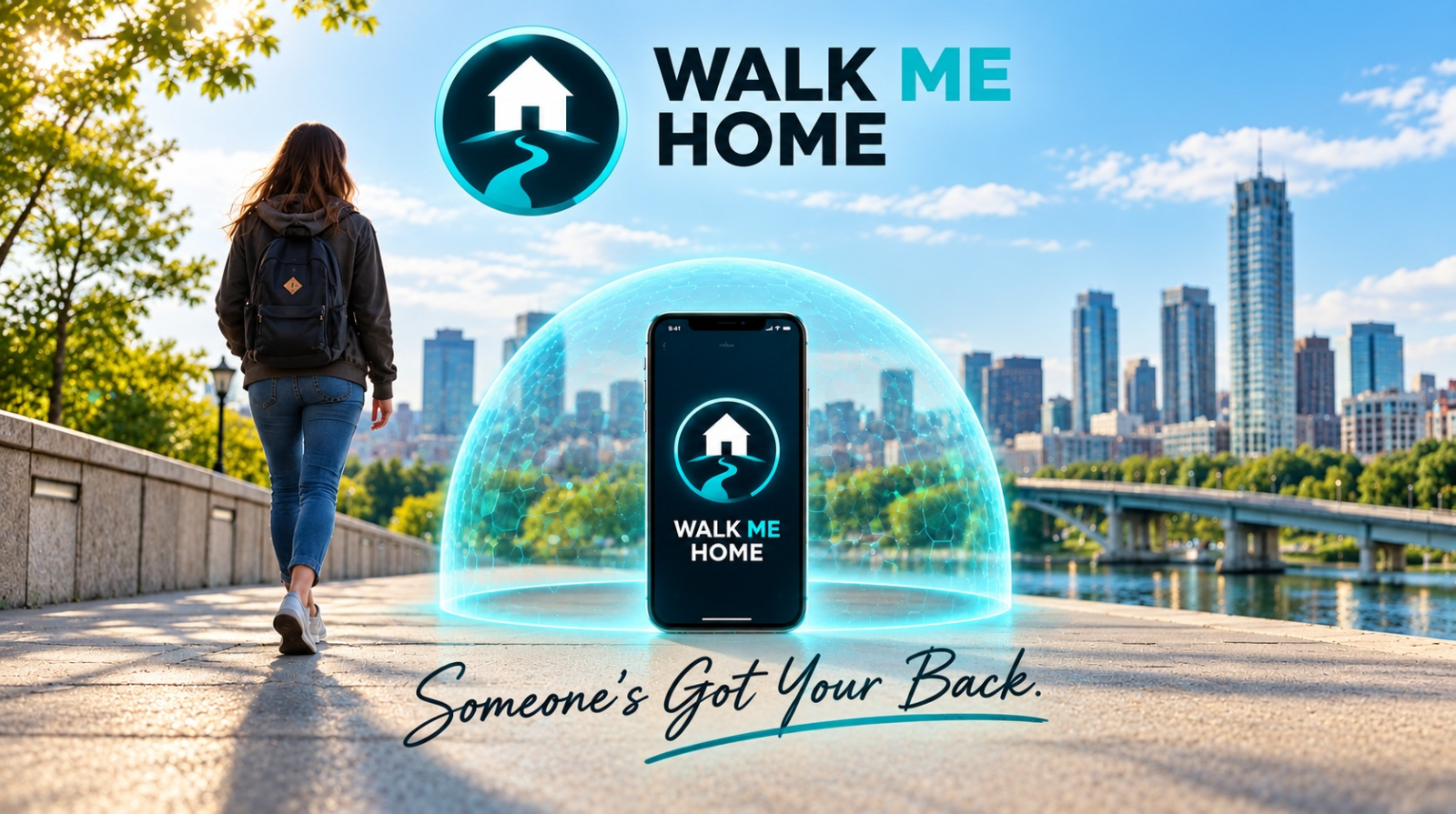
Walk Me Home is a personal safety web app that uses the sensors already in your phone to watch for signs of possible trouble and can connect you with someone you choose to get help quick.
Two ways to use it.
JOURNEY
For when you're out and about. Walk Me Home monitors your journey and helps keep a trusted person connected to you.
NIGHT WATCH
For when you're sleeping. Walk Me Home app listens all night for signs of trouble like glass breaking, gun shoots, baby crying, cries for help and other distress indicators.
It will wake you if something seems wrong.
Demo: Click below
See what your phones sees
See live sound and motion readings before signing up. The test runs privately on your phone.
HOW DOES WALK ME HOME WORK?
How does Walk Me Home work?
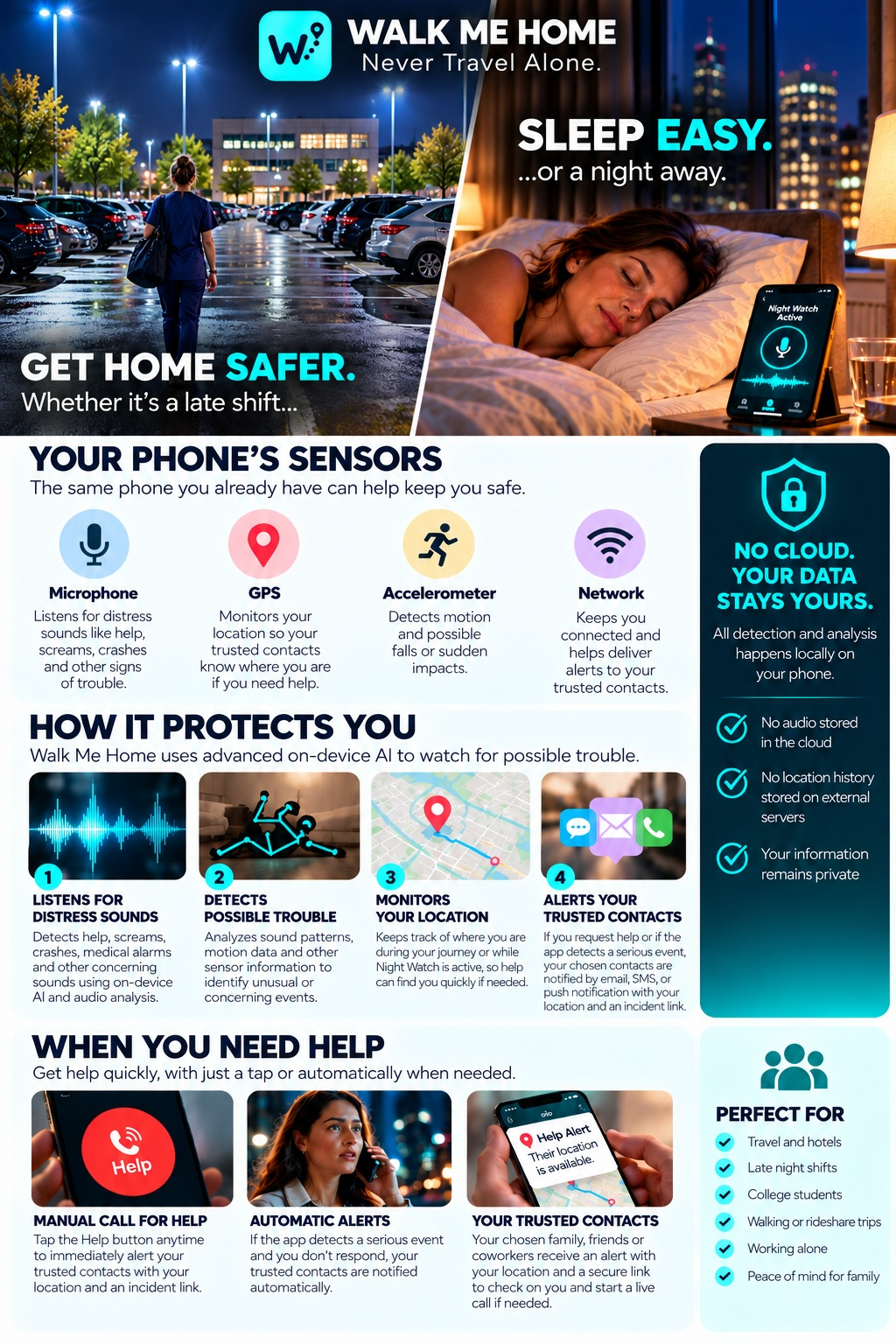
The phone you already carry is packed with sensors.
Walk Me Home puts them to work for your safety.
1. THREE MAIN SENSORS
Microphone — Listens for cries for help, distress sounds, crashes, and other unusual sounds that could indicate trouble.
GPS — Tracks your location and movement during an active Journey. A sudden or unexpected stop can become another clue that something may be wrong.
Accelerometer — Detects changes in movement and motion. It can help identify events such as a possible fall, sudden impact, or unusual physical movement.
→ 2. WALK ME HOME ANALYZES
On-device detection. No cloud listening.
Walk Me Home learns your normal surroundings and activity during a session, then looks for combinations of sound, movement, location, and other signals that could indicate possible trouble.
One sound or movement doesn't necessarily mean there's an emergency. Walk Me Home combines multiple clues to help determine when it should check on you.
→ 3. IF SOMETHING IS DETECTED
When Walk Me Home detects something concerning, it checks with you first.
An alarm sounds and gives you time to respond. If it's a false alarm, simply tell Walk Me Home you're okay and continue on your way.
If you don't respond—or you indicate that you need help—Walk Me Home can send your Safety Partner important information about what happened, including:
• Your current location
• A short audio clip surrounding the event
• Motion information that may indicate whether you've fallen or experienced a sudden impact
Your Safety Partner can then check on you and decide what action is needed.
→ 4. SOMEONE YOU TRUST IS THERE
Walk Me Home connects you directly with a Safety Partner (Trusted Contact) that you choose.
That could be your spouse, parent, adult child, friend, coworker, or anyone you trust.
When you start a Journey or Safety Watch, your Safety Partner can stay connected without continuously watching or listening to you.
If Walk Me Home detects possible trouble, the person you trust gets the information they need to check on you.
PRIVATE BY DESIGN
No special device. No stranger monitoring you. No continuous cloud listening.
Walk Me Home's everyday detection and analysis happens locally on your phone.
Your microphone and motion sensors aren't continuously streaming your life to a monitoring center. Information is shared with your Safety Partner when it's needed to help protect you.
Your phone watches for trouble. Walk Me Home checks on you. Someone you trust is there when you need them.
NIGHT WATCH
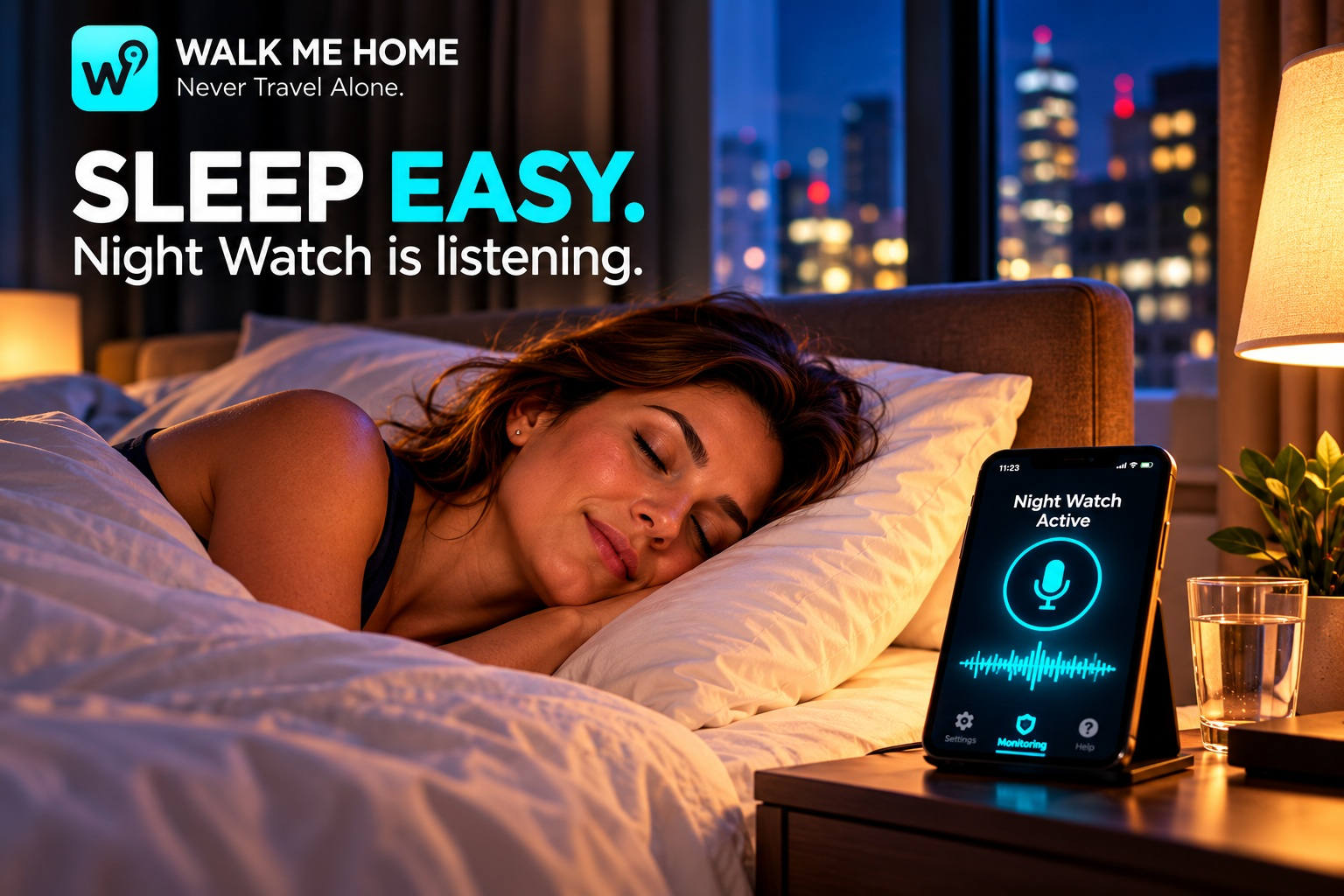
Sleep easy. Night Watch is listening.
Turn the phone beside your bed into a personal safety watch while you sleep.
Night Watch listens for distress sounds and other signs of possible trouble.
If something concerning happens, it can wake you and check that you're okay.
If you don't respond—or help may be needed—your trusted contact can be alerted with information to check on you.
Perfect for hotels, travel, nights away from home, or anytime you'd feel better knowing someone is looking out for you.
RECIPROCAL NIGHT WATCH
Sleep easy. Watch over each other.
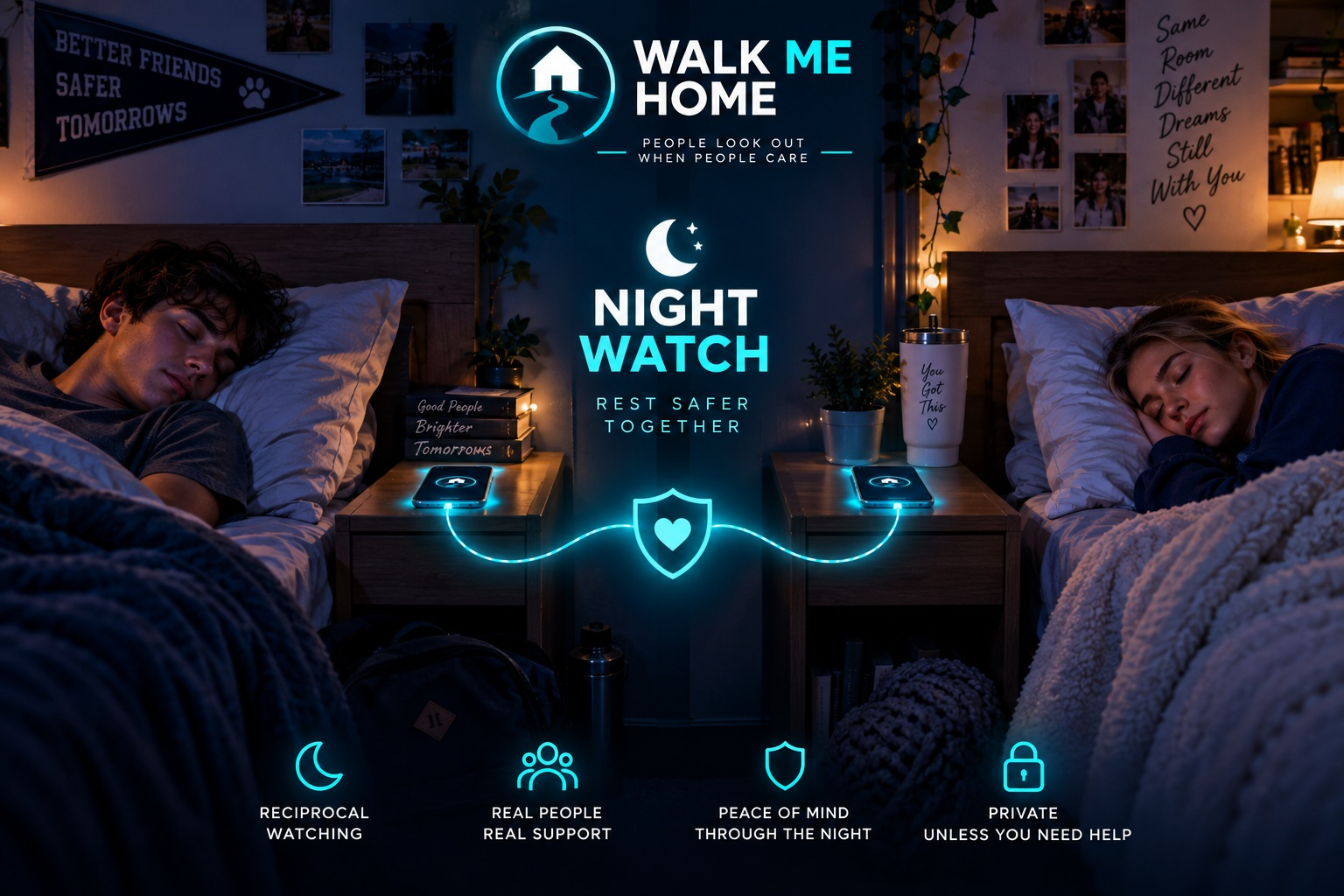
Night Watch can protect you while you sleep — and two people can watch over each other at the same time.
Set your phones beside the bed and start Night Watch. Each phone listens locally for distress sounds and other signs of possible trouble.
Traveling together? Turn on Reciprocal Night Watch and each person becomes the other's trusted safety partner.
If something concerning happens, Night Watch can wake you, check that you're okay, and alert the other person when help may be needed.
Two people. Two phones. Looking out for each other all night.
PRIVACY BY DESIGN
Private but Connected when it matters.
Walk Me Home does its everyday sound and motion monitoring right on your phone. No connection to the Cloud,
Most of the time, your phone simply watches quietly in the background.
When something looks wrong, that’s when Walk Me Home connects the dots.
If the app detects something unusual, it can securely share the important event details of what happened to your Safety Watch.
During a serious incident, available audio, location, and sensor information may be securely saved so there is a record of what happened — even if you are unable to respond.

WHEN SOMETHING FEELS WRONG
A clear way to ask for help.
Use Call for Help to start an emergency incident immediately. Detected events follow the configured alert and review process. Your watcher can receive alerts, review available evidence, and check in with you.
Walk Me Home does not automatically call emergency services. If you need immediate emergency assistance, contact your local emergency number.
COMMON QUESTIONS
Does it work with my screen turned off?
Monitoring needs the browser page to stay open and running. The black-screen display dims the page; it does not guarantee background sensing or monitoring while the phone is locked. Phone and browser behavior varies.
Does my watcher need an account?
No account is required to accept a private watcher invitation. They should enable notifications and confirm a server push test before closing their watcher page. Permission alone does not prove delivery.
Does this replace emergency services?
No. Walk Me Home connects you with a trusted person and provides monitoring tools. It cannot guarantee detection, uninterrupted monitoring, or delivery of every alert.
Walk Me Home
Start with someone you trust.
Choose your settings. Invite your person. Take the next step together.
Try it now